Schedule a call.

Tell us when to call. We will look at your trips, drivers and daily workflow, and show how Pulse would run them.

A dispatcher working the Pulse dispatch screens at night

What you will get.

A walkthrough of your operation

Your trips, drivers and brokers, not a generic script.

A start date

When you can go live and what we need from you.

Answers on security and compliance

Audit trails, role-based access and encrypted data.

What happens next.

  1. 01Choose a time on the calendar.
  2. 02Your time is booked. We call you then.
  3. 03We walk through your manifest and show how Pulse would run it.

Already a customer? Go to the portal

What happens
on the call.

  1. We ask how trips reach you, how you assign them, how drivers report back and where the team loses time.
  2. We write a short scope of the problem and send it to you.
  3. One demo on dummy data, in person or by screen share, built around your workflow.
  4. It ends with a start date.

What joining
looks like.

From signed documents to go-live.

  1. Your documents arrive for signature: Provider Agreement, Business Associate Agreement, terms and policies.
  2. You sign. Nothing in the portal is touched before then.
  3. We create your account the same day.
  4. You add your contracts and settings.
  5. You invite drivers by CSV or invite, and add vehicles.
  6. Go-live is done in person at your base by our team.

What we cover
on the call.

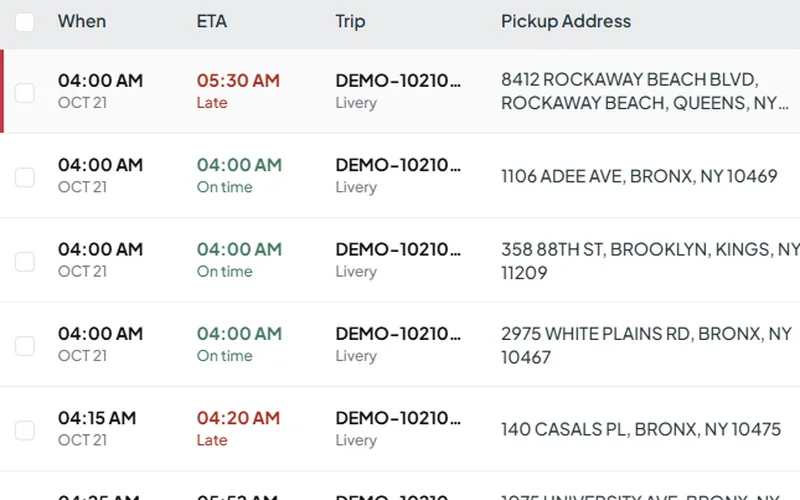
Trip list with ETAs and status in Pulse dispatch

Your manifest

How trips come in, get assigned and change during the day.

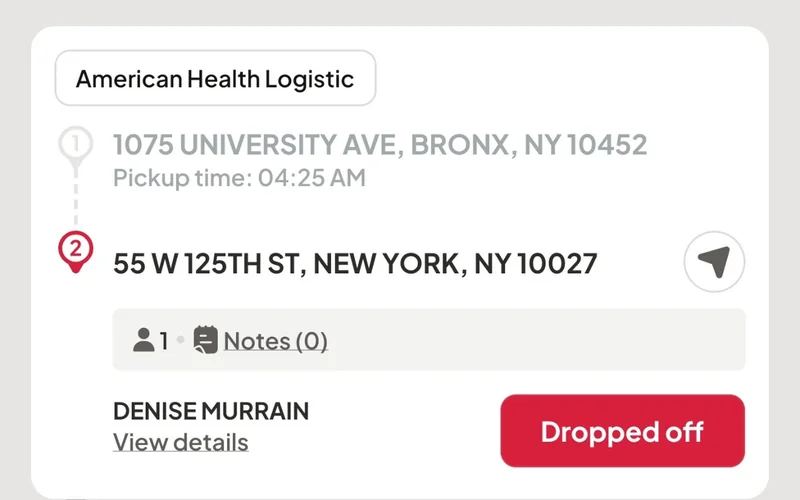
Next trip in the Pulse driver app

The driver app

What drivers see: trip list, navigation, priority changes and status updates.

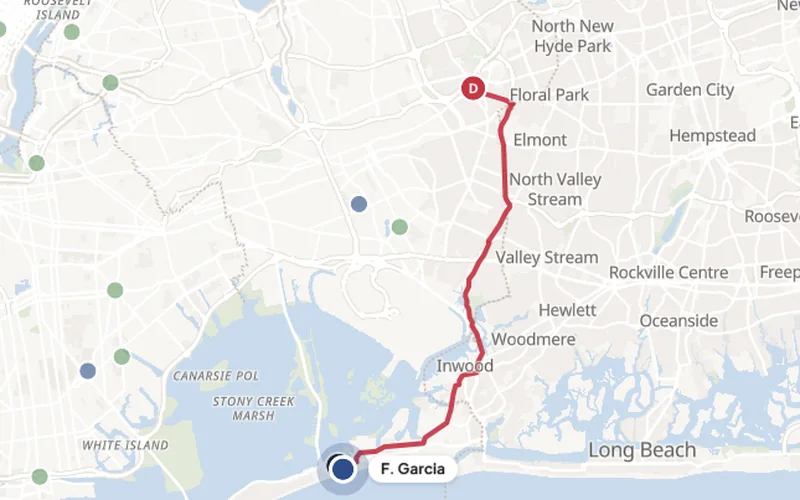
Live map with a vehicle en route in Pulse

Live tracking

Vehicle locations, drivers and live ETAs for every trip.

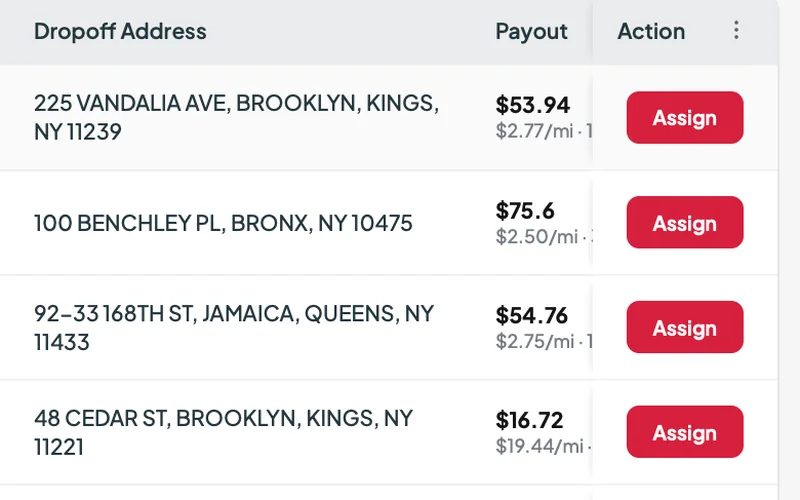
Open trips on the Pulse marketplace

Trip Xchange

Sharing overflow and filling idle hours with partner fleets.

From the office
and the road.

As a driver, I have been able to use it with great success taking trips and managing my own schedule.
Chun Feng LiDriver
I have tested almost all dispatching software available and nothing meets this standard for operability and ease of use.
AndreyDriver

Before you
schedule.

What does the call cover?

Your manifest, how trips come in, how drivers are assigned and tracked, and when you can start.

Who should join?

Whoever runs dispatch or operations. Add owners, billing or compliance staff if you want them in the room.

Can I try Pulse first?

Yes. Ask about a trial on your own manifest during the call.

Do you work with covered entities under HIPAA?

Our Terms of Use describe Pulse as a business associate for covered entities. Ask about a BAA on the call.

Pick a time.
We will call.

Choose a time on the calendar and we call you then.

Schedule a callNo monthly minimum.